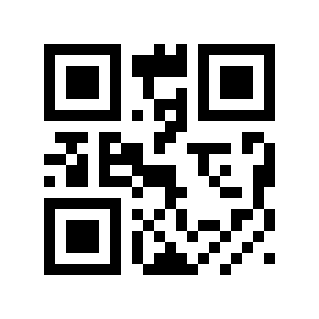
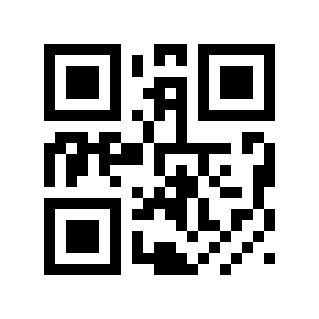
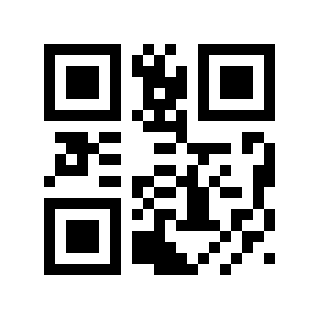
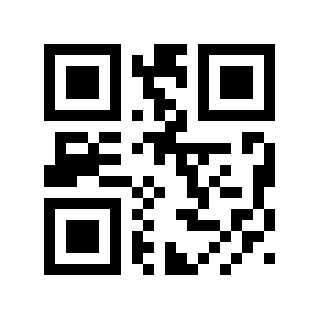
键盘设置#

USB HID-KBW#

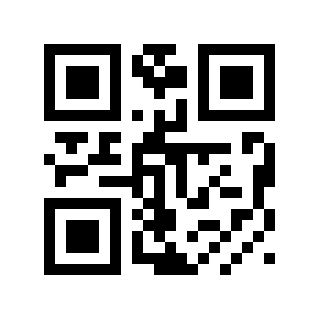
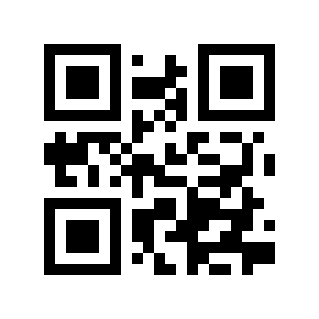
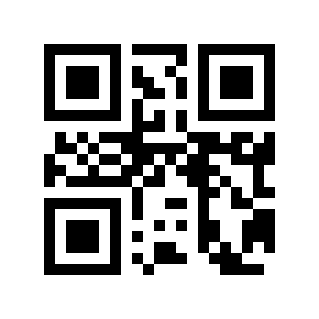
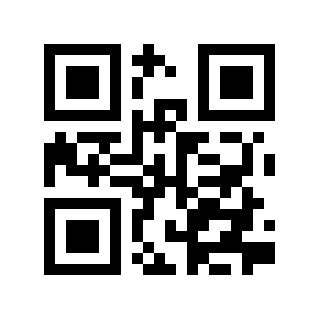
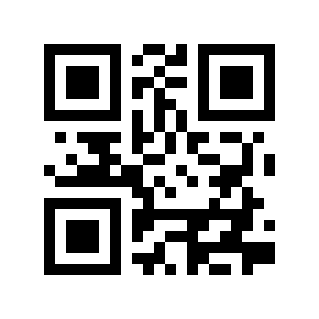
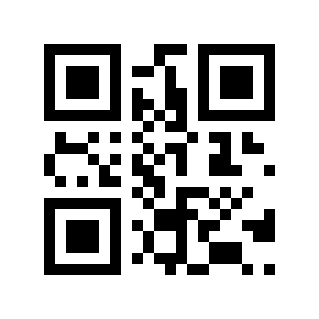
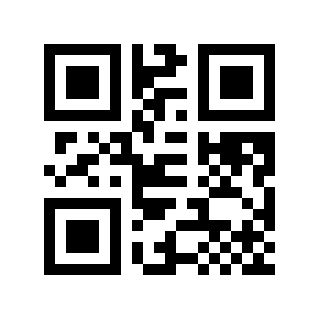
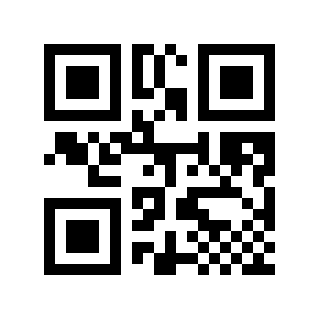
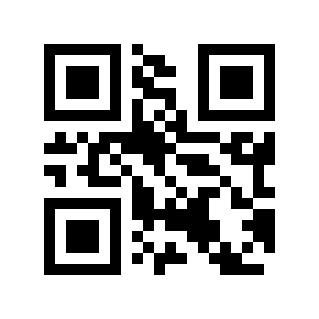
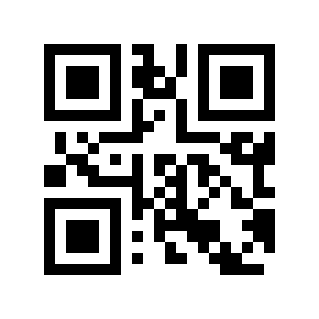
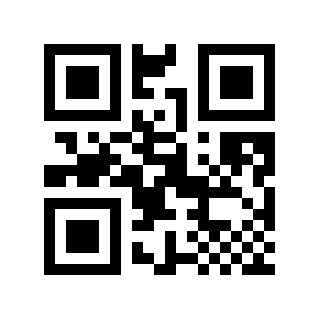
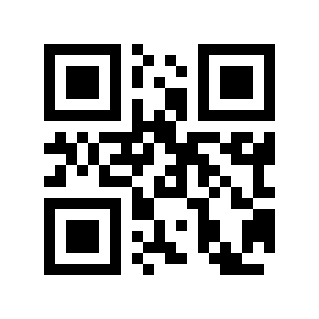
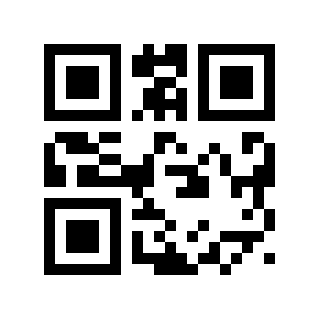
当读码模组与主机使用 USB 线连接时,可通过扫描 USB KBW 设置码将读码模组配置成标准键盘输入。
../../_shared/_images/module-PT/3E210010061..png

USB HID-KBW#

键盘布局#

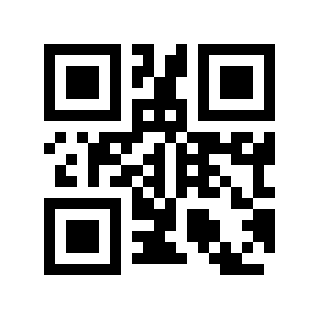
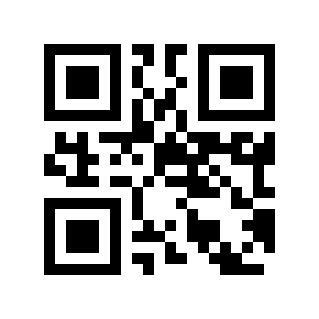
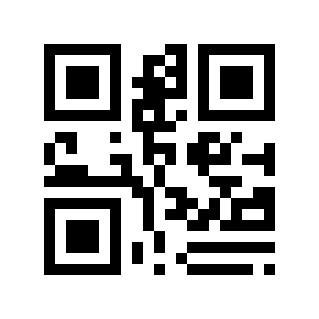
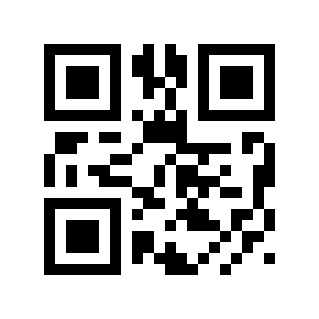
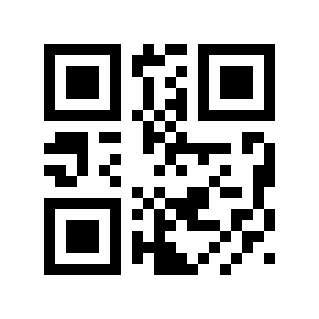
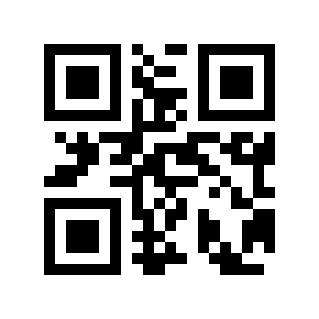
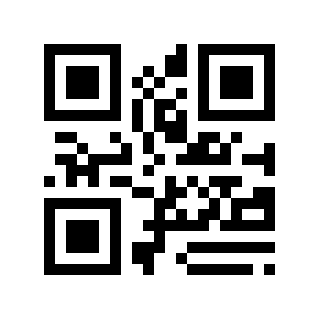
为了让各国的主机均能使用设备,可以通过读取对应国家的“键盘”来进行设置。
../../_shared/_images/module-PT/3E2100100B1..png

* 美国#

../../_shared/_images/module-PT/3E2100100B2..png

比利时#

../../_shared/_images/module-PT/3E2100100B3..png

巴西,葡萄牙语(巴西 ABNT)#

../../_shared/_images/module-PT/3E2100100B6..png

丹麦#

../../_shared/_images/module-PT/3E2100100B7..png

芬兰#

../../_shared/_images/module-PT/3E2100100B8..png

法国#

../../_shared/_images/module-PT/3E2100100B9..png

奥地利,德国#

../../_shared/_images/module-PT/3E2100100B10..png

希腊#

../../_shared/_images/module-PT/3E2100100B11..png

匈牙利#

../../_shared/_images/module-PT/3E2100100B13..png

意大利#

../../_shared/_images/module-PT/3E2100100B14..png

拉丁美洲,南美洲国家#

../../_shared/_images/module-PT/3E2100100B15..png

荷兰#

../../_shared/_images/module-PT/3E2100100B16..png

挪威#

../../_shared/_images/module-PT/3E2100100B17..png

波兰#

../../_shared/_images/module-PT/3E2100100B18..png

葡萄牙#

../../_shared/_images/module-PT/3E2100100B19..png

罗马尼亚#

../../_shared/_images/module-PT/3E2100100B20..png

俄罗斯#

../../_shared/_images/module-PT/3E2100100B21..png

斯洛伐克#

../../_shared/_images/module-PT/3E2100100B22..png

西班牙#

../../_shared/_images/module-PT/3E2100100B23..png

瑞典#

../../_shared/_images/module-PT/3E2100100B25..png

土耳其F#

../../_shared/_images/module-PT/3E2100100B26..png

土耳其Q#

../../_shared/_images/module-PT/3E2100100B27..png

英国#

../../_shared/_images/module-PT/3E2100100B28..png

日本#

../../_shared/_images/module-PT/3E2100100B29..png

捷克#

../../_shared/_images/module-PT/3E2100100B30..png

泰国 K#

../../_shared/_images/module-PT/3E2100100B31..png

乌克兰#

../../_shared/_images/module-PT/3E2100100B32..png

阿拉伯地区 101#

../../_shared/_images/module-PT/3E2100100B33..png

克罗地亚,斯洛文尼亚#

../../_shared/_images/module-PT/3E2100100B34..png

韩国#

../../_shared/_images/module-PT/3E2100100B35..png

保加利亚#

../../_shared/_images/module-PT/3E2100100B36..png

多国通用#

../../_shared/_images/module-PT/3E2100100B37..png

越南#

键盘类型#

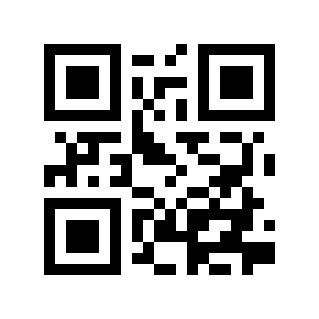
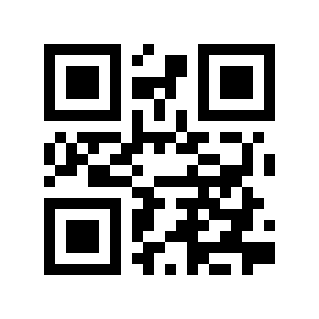
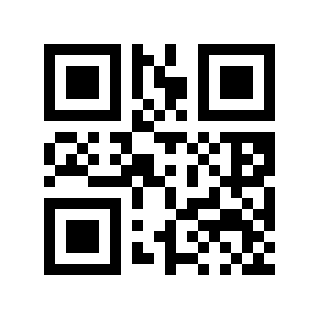
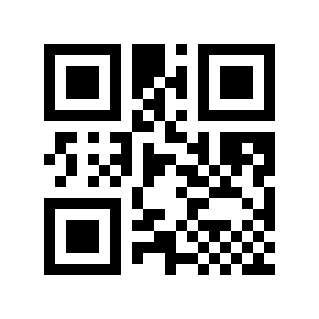
启用虚拟键盘后,可以在任何键盘语言模式下输出正确的英文字母,英文符号和数字数据。使用虚拟键盘时,必须确保 Num Lock 处于启用状态。
../../_shared/_images/module-PT/3E2100100E0..png

* 标准键盘#

../../_shared/_images/module-PT/3E2100100E1..png

虚拟键盘#

键盘字母大小写转换#

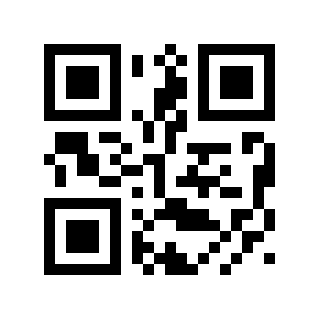
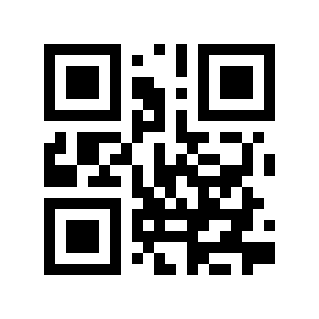
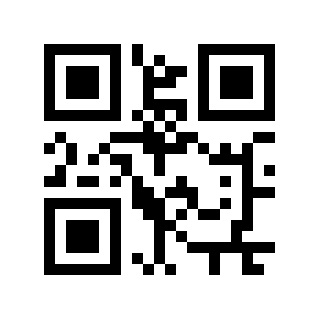
字母转换,在输出有字母内容的条码时,可以通过配置使输出结果为全大写或全小写。举例,如果条码内容为: ab123dE,如果扫“转换成大写”条码,输出结果为:AB123DE;如果扫“转换成小写”条码,输出结果为:abc123de;默认大小写不转换。
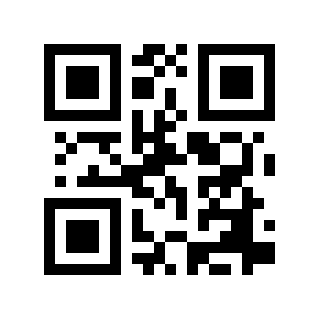
../../_shared/_images/module-PT/3E2100100D0..png

* 正常输出#

../../_shared/_images/module-PT/3E2100100D1..png

全大写#

../../_shared/_images/module-PT/3E2100100D2..png

全小写#

../../_shared/_images/module-PT/3E2100100D3..png

大小写相反#

键盘字符传输时间间隔#

我们可以通过设置键盘字符之间传输时间间隔,来提高兼容性以及减小丢数据的概率。时间间隔设置范围:0-65535ms,默认值:5ms。

扫描“字符传输时间间隔”设置码
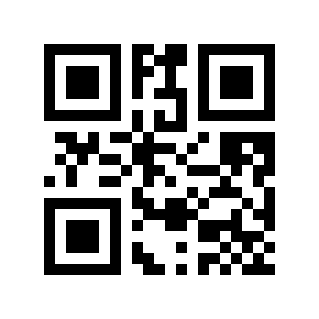
../../_shared/_images/module-PT/3E2100100C..png

字符传输时间间隔#

扫描“数字设置码”。比如时长10ms,扫1,0;时长100ms,扫1,0,0。

扫描“确定”设置码,结束设置
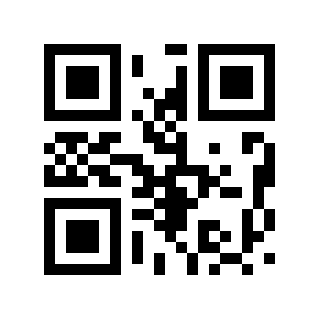
../../_shared/_images/module-PT/3E21111000..png

确定#

键盘字符传输时间间隔快速设置#

../../_shared/_images/module-PT/3E2100100C0..png

0ms#

../../_shared/_images/module-PT/3E2100100C5..png

* 5ms#

../../_shared/_images/module-PT/3E2100100C10..png

10ms#

../../_shared/_images/module-PT/3E2100100C20..png

20ms#

../../_shared/_images/module-PT/3E2100100C30..png

30ms#

../../_shared/_images/module-PT/3E2100100C50..png

50ms#

键盘控制字符输出方式#

ASCII 码中的控制字符(0x00-0x1F)输出方式选择

输出功能键:控制字符作为自定义功能键使用,具体功能见 ASCII 码对照表

输出CTRL组合键:CTRL组合键方式输出控制字符,具体功能见 ASCII 码对照表

输出ALT+数字键:中文环境下支持全控制字符输出,具体功能见 ASCII 码对照表

../../_shared/_images/module-PT/3E210010310..png

* 输出功能键#

../../_shared/_images/module-PT/3E210010311..png

输出CTRL组合键#

../../_shared/_images/module-PT/3E210010312..png

输出ALT+数字键#