Device Feature Settings#
Important
When modifying the parameters on this page, scan “Start Settings” first, then scan the target setting barcode; scan “End Settings” after completion.
Lighting settings#
Built-in fill light setting#
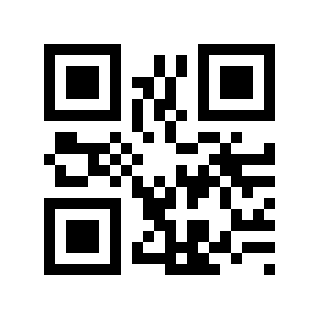
Enable built-in fill light# |
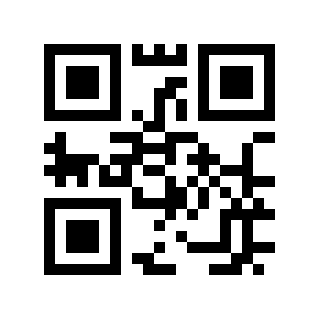
Disable built-in fill light# |
Fill light brightness setting#
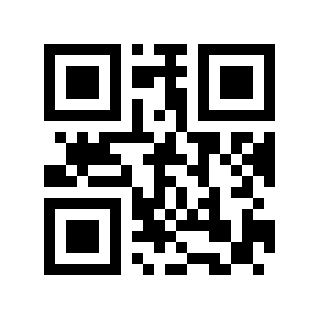
Fill light low brightness# |
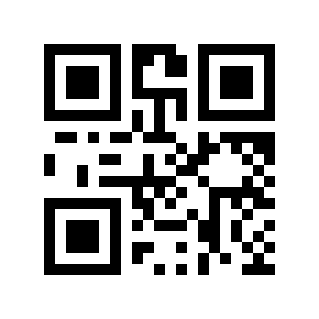
Fill light medium brightness# |
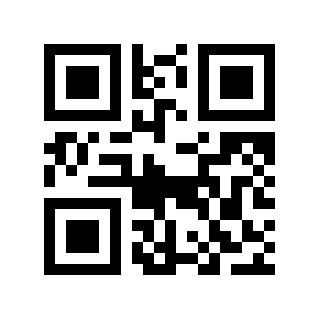
High brightness fill light# |
External fill light settings#
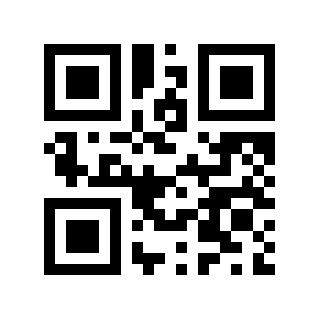
Enable external fill light# |
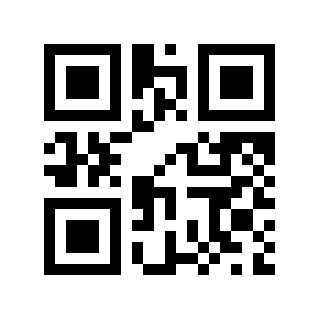
Disable external fill light# |
Aimer Settings#
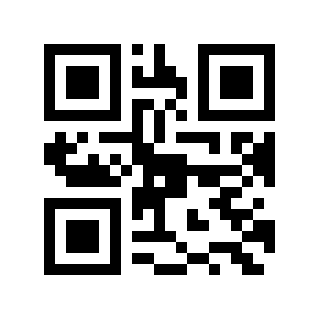
Enable aiming light# |
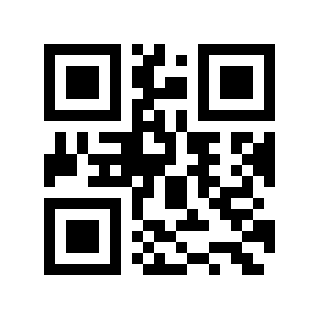
Disable aiming light# |