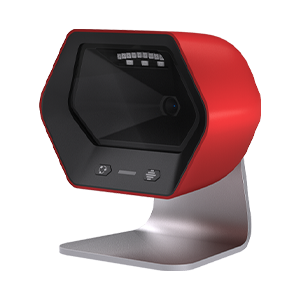
A8 User Manual#
- System Settings
- Device function settings
- Trigger settings
- Interface Settings
- Keyboard Settings
- Data Editing
- BarCode ID
- Suffix
- Prefix
- Suffix
- Add Prefix Based On Barcode Type
- Add Suffix Based On Barcode Type
- Hide Fixed Characters
- Keep Barcode Data Based On Length
- Hide Barcode Data Based On Length
- Hide Barcode Data Of Any Length Based On Barcode Type
- Hide Any Length Of Data At The Bottom Of The Barcode Based On The Barcode Type
- Hide Any Length Of Data At The End Of The Barcode According To The Barcode Type
- Insert Custom Data
- Data Replacement
- Line Feed And Carriage Return
- URL Switch
- Invoicing Function
- GS1 Rules Enabled
- Character Settings
- Barcode Settings
- Barcode Global Operations
- Code 128
- UCC/EAN-128/GS1-128
- EAN-8
- EAN-13
- ISSN
- ISBN
- UPC-E
- UPC-A
- ITF25
- NEC25/COOP25
- MATRIX25
- IND25
- STD25
- Code 39
- Codabar
- Code 93
- Code 11
- MSI Plessey
- GS1 DataBar/RSS
- Composite Code
- TELEPEN
- TRIOPTIC
- HONG KONG 2 OF 5/CHINA POST
- Korea Post/Korea Post
- PDF417
- QR Code
- Data Matrix (DM)
- Aztec Code
- Appendix