Device function settings#
Lighting And Aiming#
Illumination#
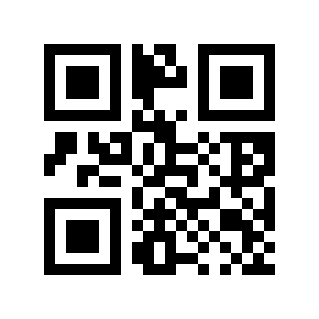
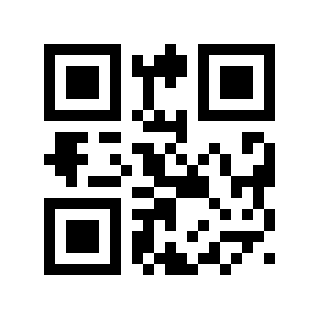
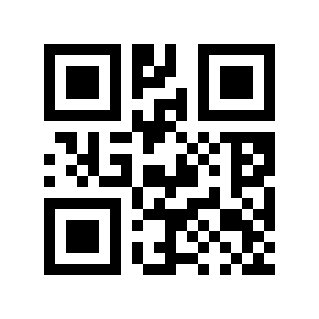
The lighting can provide auxiliary lighting for shooting and reading, and the beam shines on the reading target, improving the reading performance and the ability to adapt to weak ambient light. Users can set it to one of the following states according to the application environment:
Normal lighting (default setting): The lighting lights up when shooting and reading, and turns off at other times;
The lighting is always on: the lighting will continue to glow after the scan engine is turned on;
No lighting: The light does not come on under any circumstances.
*Normal Lighting# |
No Lighting# |
Lighting Always On# |
AIM#
The projected aiming beam helps users find the optimal reading distance when shooting for reading. According to the application environment, users can
Choose any of the modes below.
Aiming Normal (default setting): The scan engine only projects the aiming beam when shooting and reading;
Aiming always on: After the scan engine is powered on, it will continue to project the aiming beam;
No Aiming: The aiming beam is extinguished under any circumstances.
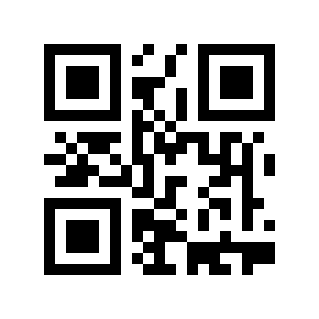
* AIM For Normal# |
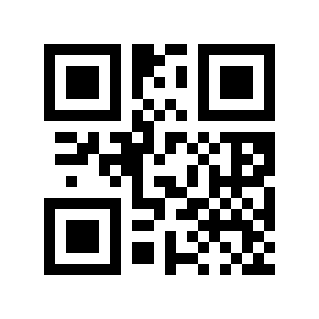
No Aiming# |
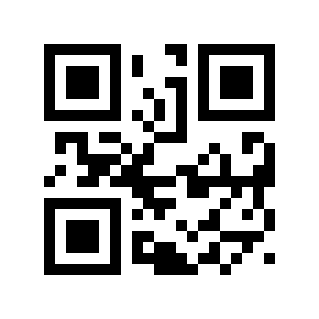
AIM For Constant Light# |
Reminder Light Related#
Alert Light Function Type#
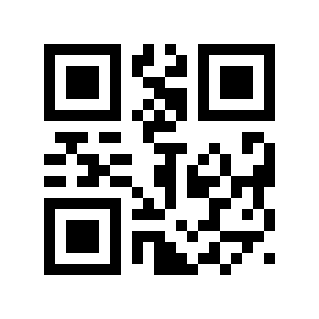
* Decoding Hints# |
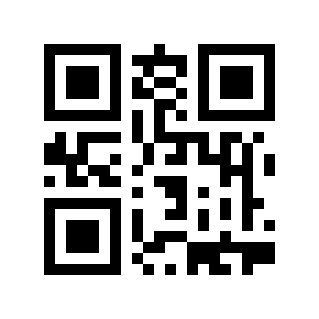
Power Prompt# |
Decode Success Indicator#
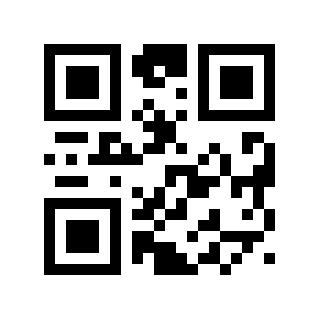
Disable# |
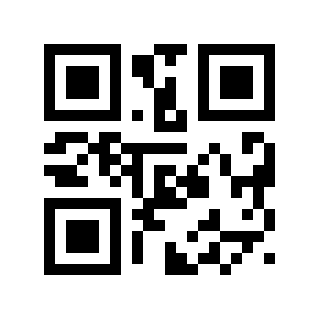
* Enable# |
Decoding Success Prompt Light Control Method#
Mode 0: long off after power on, on when decoding is successful, on for a specified time and then off.
Method 1: Always on after power-on, off when decoding is successful, and on after a specified period of time.
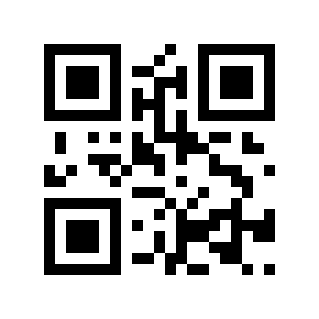
* Mode 0# |
Way 1# |
Decoding Status NR Output#
NR is the abbreviation of No Read. Before releasing the trigger button, if the barcode cannot be decoded within the timeout period, the “NR” message is allowed to be output; when this function is disabled, no message can be output to the host even if the barcode cannot be decoded.
* Disable# |
Enable# |