Character Settings#
Case Conversion#
By setting the case conversion function of the scan engine, the English letters in the data output by the scan engine can be converted from upper to lower case. For example, when the barcode content is aBC123, set the scan engine to “all lowercase”, and the output data received by the host will be “abc123”. Conversion is disabled by default.
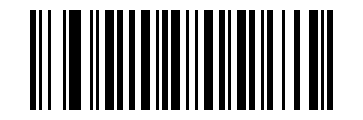
* Disable Conversion#
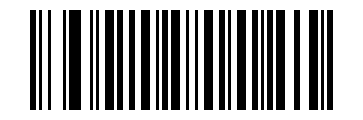
All In Uppercase#
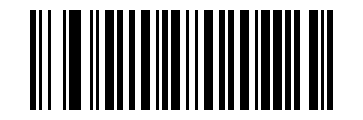
All Lowercase#
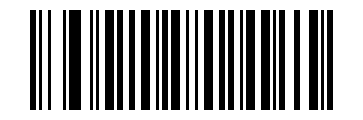
Convert Between Upper And Lower Case#