Communication and interface settings#
Communication Mode#
USB COM#
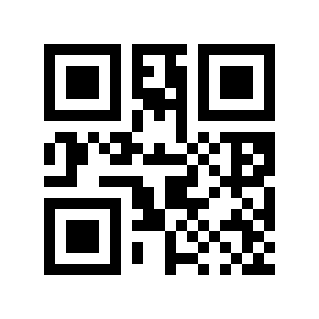
When the scan engine is connected to the host using a USB cable, the scan engine can be configured into virtual serial port output mode by scanning the USB COM setting barcode.

USB COM#
serial#
The serial communication interface is a common way to connect the scan engine to the host device (such as PC, POS, etc.). When the scan engine is connected to the host using a serial port cable, the system defaults to the serial communication mode. When using the serial communication interface, the communication parameter configuration between the scan engine and the host device must completely match to ensure smooth communication and correct content.
TTL-232 Serial Port#
The serial communication interface of the scan engine uses TTL level signals (TTL-232). This interface can adapt to most system architectures. If the system needs to use RS232 architecture, an external conversion circuit needs to be added.
The default serial communication parameters of the code reading module are as follows:
Parameter |
default |
|---|---|
Baud Rate |
115200 |
Check Digit |
none |
Data Bits |
8 |
stop bit |
1 |
Baud Rate#
When the scan engine communicates with the host through TTL-232/RS232, the same communication parameters must be set for normal communication, including transmission rate, verification, flow control, etc. The transmission rate is the baud rate, and the default baud rate is 115200.
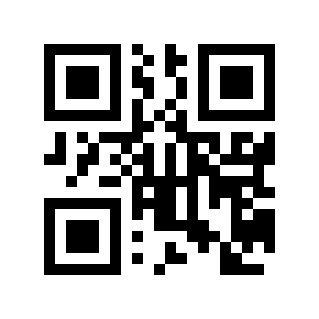
600# |

1200# |

2400# |
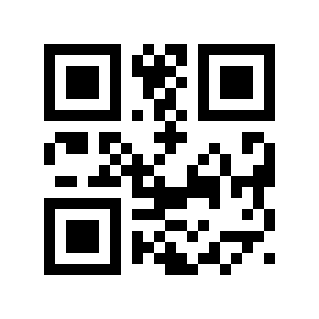
4800# |

9600# |

14400# |

19200# |
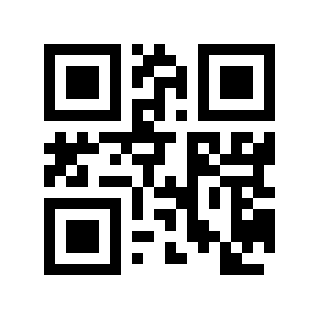
38400# |

57600# |

*115200# |
Check Digit#

* No Parity# |

Odd# |
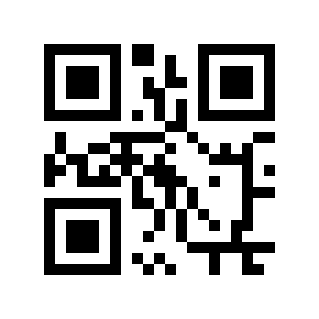
Even# |
stop bit#

* 1 Bit# |
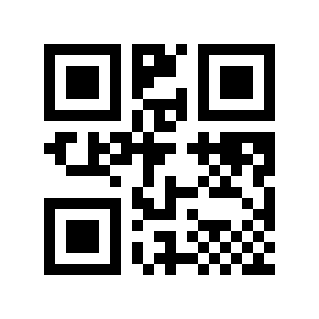
2 People# |
Data Bits#

5 People# |

6 Bits# |

7 Bits# |
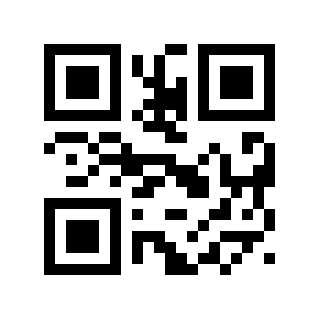
* 8 Bit# |
USB HID-POS#
When the device is used as a HID device, you can read the following setting barcode and select the HID POS device mode.

HID POS#