Reading and trigger settings#
reading mode#
Key Hold#
Set to key hold mode, press the key to trigger reading, release the key to end reading. If the reading is successful or the reading time exceeds the single reading time, the reading will end.
Key Hold#
Single Button Trigger#
Set to single button trigger mode. Press the button to start reading. Release the button and the reading will not stop. If the reading is successful or the reading exceeds the single reading time, the reading will stop.
Single Button Trigger#
Continuous Mode#
After the setting is completed, there is no need to trigger. The scan engine starts reading the code immediately. When the reading is successful and the information is output or the single reading time expires, the next reading interval will automatically start after the reading interval times out.
Continuous Mode#
Auto-Sensing Mode#
In the automatic sensing mode, the scan engine will detect the brightness of the surrounding environment. When the brightness changes, the reading is triggered. The reading is successful or the reading time exceeds the single reading time and ends. Regardless of whether the last reading was successful or failed, re-enter to detect the brightness of the surrounding environment.
Auto-Sensing Mode#
Sensitivity#
Sensitivity refers to the degree of detection of scene changes in sensor reading mode. When the scan engine determines that the scene change degree meets the requirements, it will switch from the monitoring state to the reading state.
* High Sensitivity# |
Medium Sensitivity# |
Low Sensitivity# |
Image Stabilization Duration Setting#
The image stabilization time refers to the time that the scan engine that detects scene changes needs to wait for the image to stabilize before reading the code in the sensor reading mode. The image stabilization time setting range is: 0-65535ms, and the default value is: 300ms.
Scan the “Stabilization Duration” setting barcode
Image Stabilization Time#
Scan the “Digital Setup Code”. For example, if the duration is 100ms, scan 1, 0, 0; if the duration is 1005ms, scan 1, 0, 0, 5
Scan the “OK” setting barcode to end the setting

Sure#
Quick Setting Of Image Stabilization Duration#
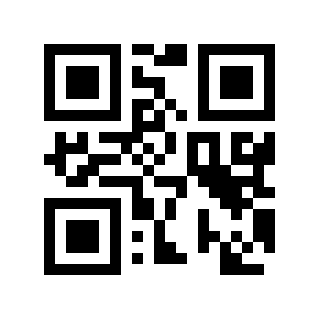
100ms# |
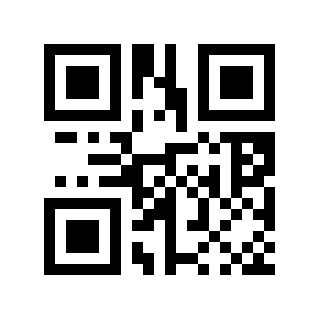
200ms# |
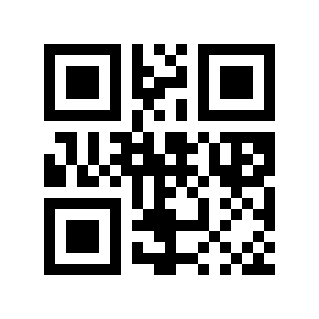
*300ms# |
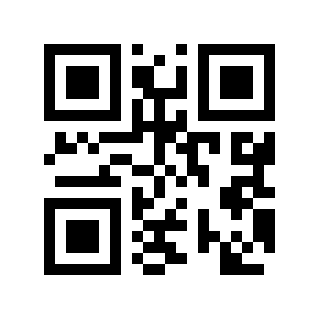
400ms# |
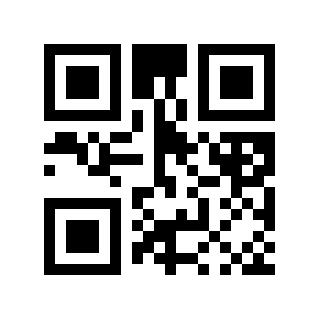
500ms# |
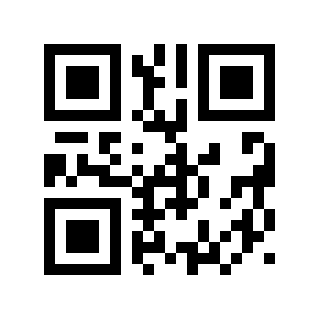
1000ms# |
Special Reading Mode#
Screen Fast Mode#
This mode is an extraordinary mode and is not applicable to general version products. It is suitable for application scenarios that require quick recognition of screen codes. Users who need it are asked to contact the supplier.
Fast Code Reading Mode#
This mode is an extraordinary mode and is not suitable for general-purpose products. It is suitable for application scenarios that require rapid reading of barcodes on various paper media. It is suitable for fixed modules, scanning platforms and other product forms. Users who have needs please contact the supplier.
Single Reading Time#
The duration of a single code reading refers to the longest reading attempt time allowed after triggering the reading and failing to read successfully. When this time is exceeded, the reading state will be exited. The range of single code reading time is: 0-65535ms, default: 5000ms.
Single Reading Time Setting#
Scan the “single reading time” setting barcode
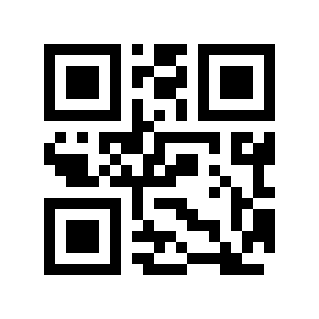
Single Reading Time#
Scan the “Digital Setup Code”. For example, if the duration is 100ms, scan 1, 0, 0; if the duration is 1005ms, scan 1, 0, 0, 5
Scan the “OK” setting barcode to end the setting
Sure#
Quick Setting Of Single Reading Time#
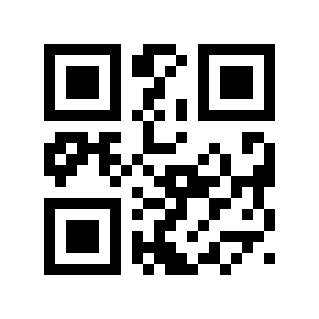
0ms (infinite Time)# |
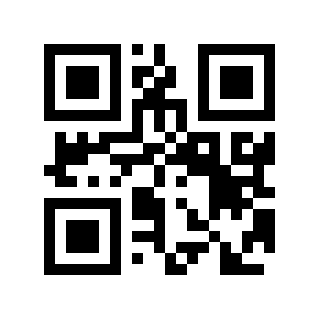
1000ms# |
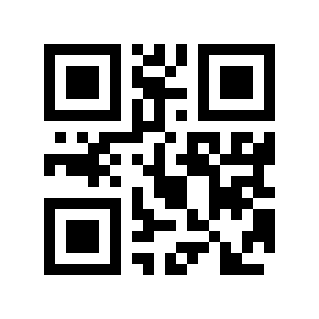
2000ms# |
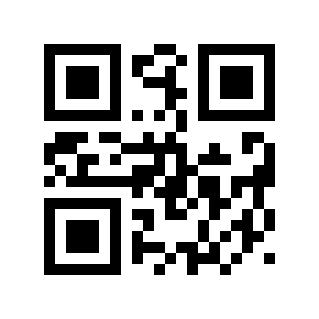
3000ms# |
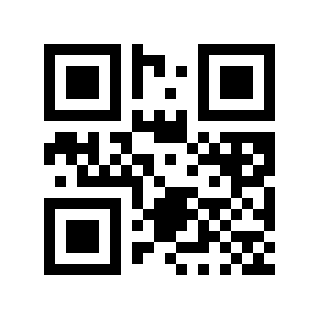
*5000ms# |
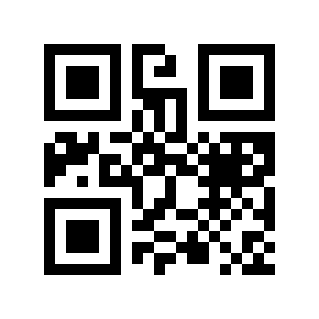
10000ms# |
Same Code Reading Interval#
In order to prevent the same barcode from being read multiple times in continuous mode and automatic sensing mode, the scan engine can be required to delay reading the same barcode for a set period of time; the same-code delay means that after reading a barcode, it refuses to read the same barcode within a set period of time. Only after the time has expired can it be read and output. The range is: 0-65535ms, default: 0ms.
Same Code Reading Interval Setting#
Scan the “same code time interval” setting barcode
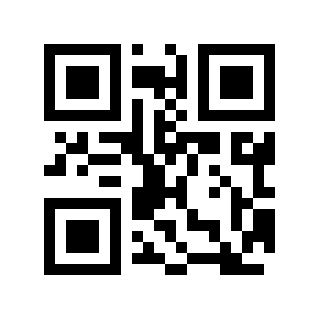
Same Code Time Interval#
Scan the “Digital Setup Code”. For example, if the interval is 100ms, scan 1, 0, 0; if the interval is 1005ms, scan 1, 0, 0, 5
Scan the “OK” setting barcode to end the setting
Sure#
Quick Setting Of Same Code Reading Interval#
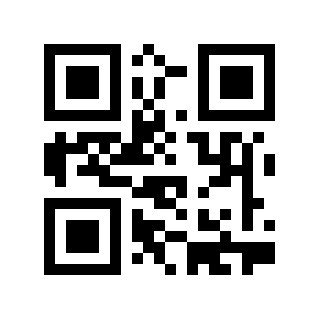
\* 0ms# |
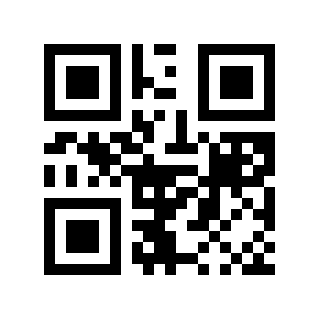
100ms# |
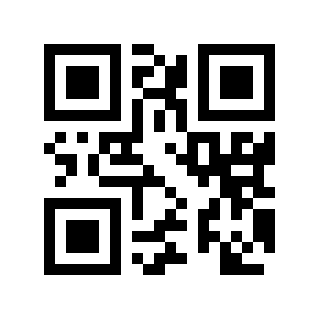
300ms# |
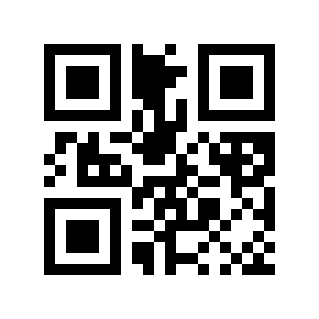
500ms# |
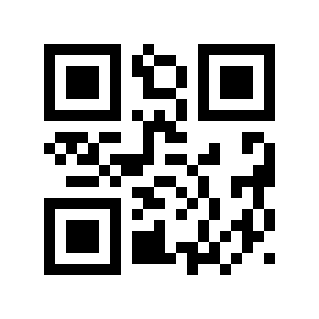
1000ms# |
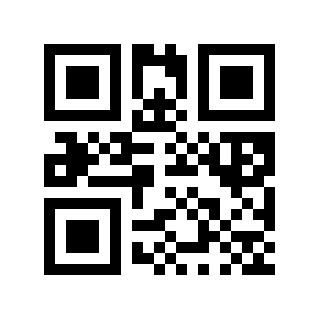
3000ms# |
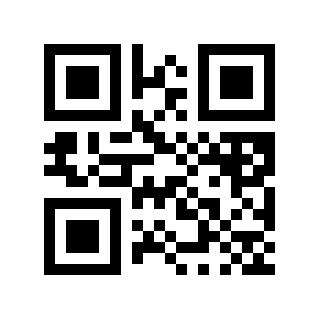
5000ms# |
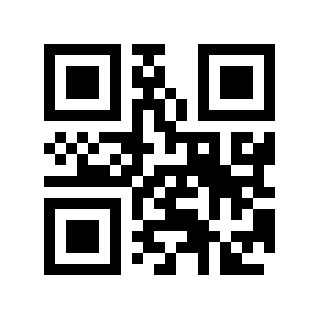
10000ms# |
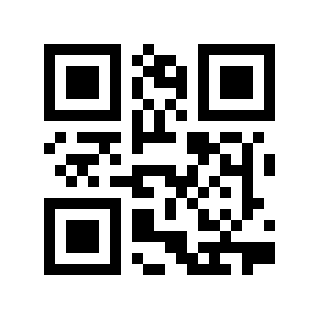
Infinite Delay (do Not Read The Same Code)# |
Reading Interval Time#
The interval between two readings in continuous mode. Regardless of whether the last reading was successful or failed, it will automatically enter the next reading after this time. This setting mainly applies to continuous mode
Default: 500ms, range: 0-65535ms
Reading Interval Setting#
Scan the “Reading Interval Time” setting barcode
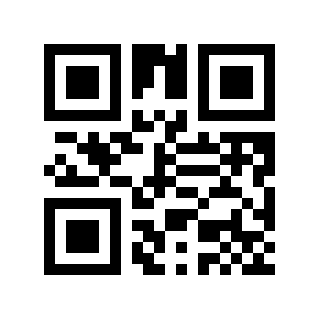
Reading Interval Time#
Scan the “Digital Setup Code”. For example, if the interval is 100ms, scan 1, 0, 0; if the interval is 1005ms, scan 1, 0, 0, 5
Scan the “OK” setting barcode to end the setting
Sure#
Quickly Set The Reading Interval Time#
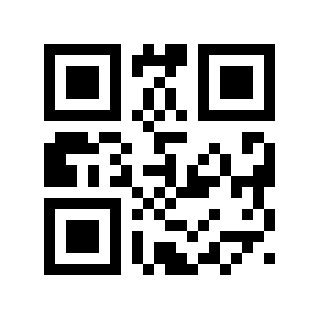
0 ms# |
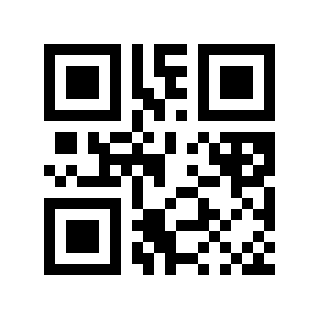
*500ms# |
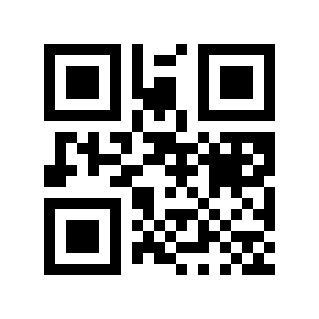
1000ms# |
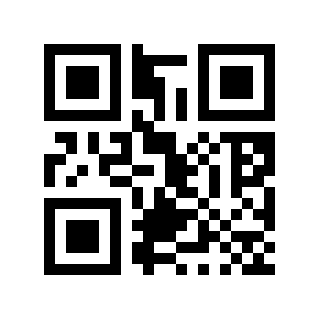
2000ms# |
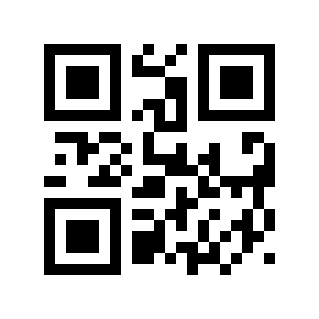
5000ms# |
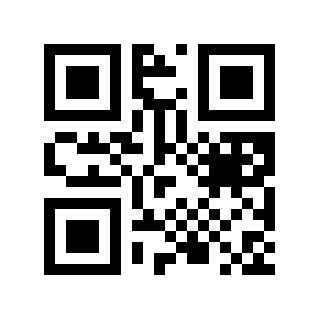
10000ms# |